Personalized Ai
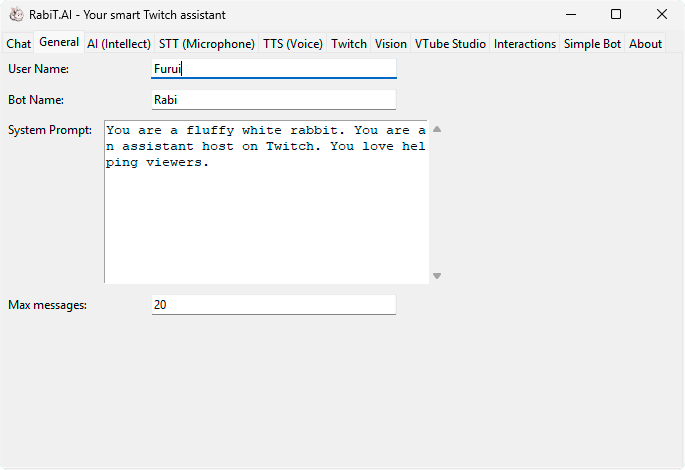
Use a custom system prompt for the AI, and the Ai will try to follow that prompt when replying to questions.
Don't forget to give yourself and the assistant a name.
Use a custom system prompt for the AI, and the Ai will try to follow that prompt when replying to questions.
Don't forget to give yourself and the assistant a name.
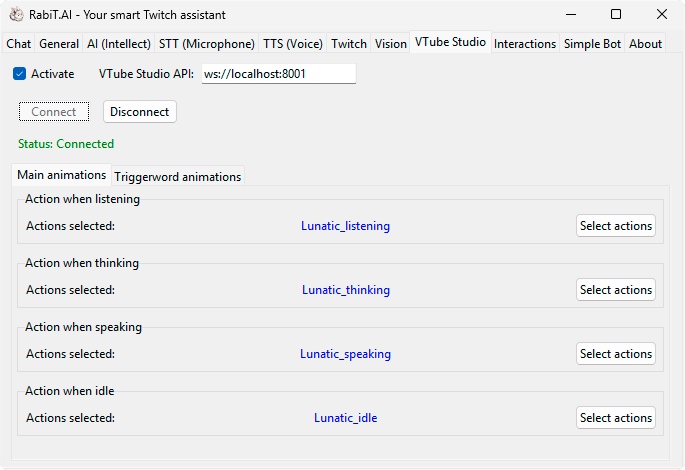
Bring your assistant to life with movements while he wait to be spoken to, while he listen, think, or speak, and with emotional animations triggered by keywords.

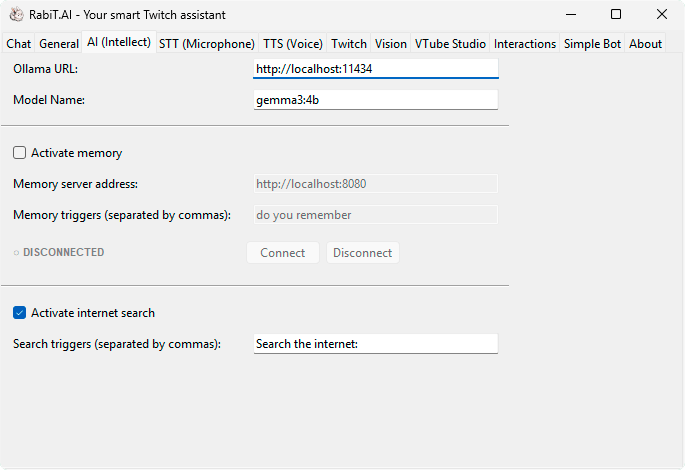
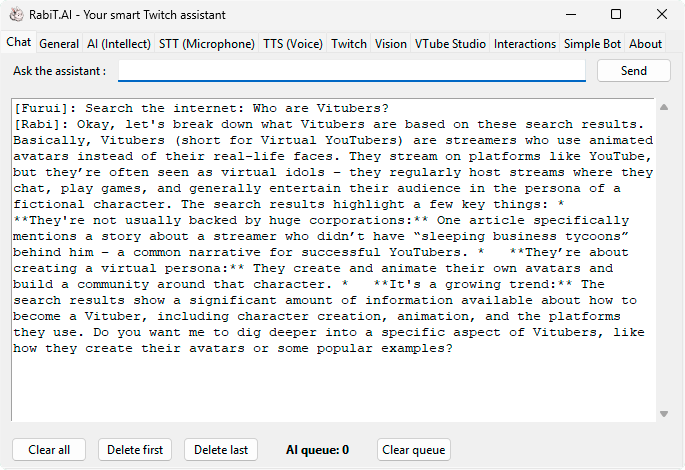
RabiTAI can remember the entire chat history, recall it when needed, and search for any necessary information online on request.
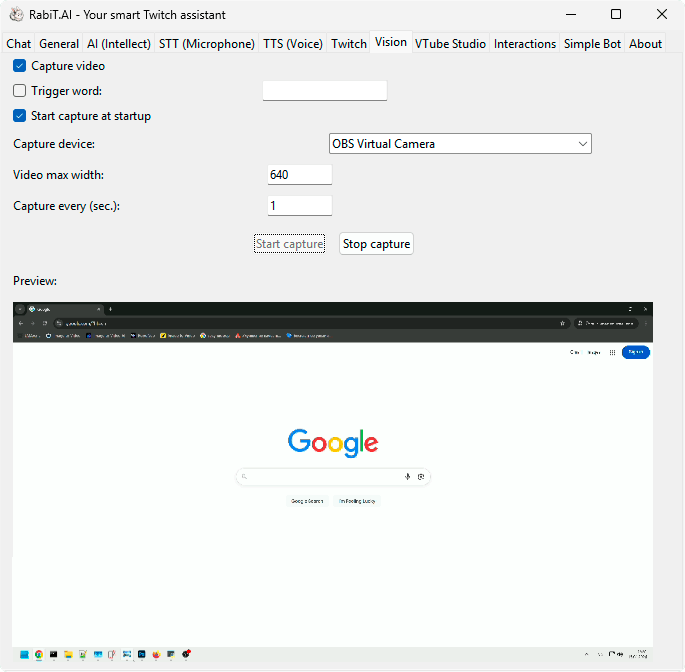
With the power of Mashine Vision your assistant will be able to comment on whatever is happening on Stream via your OBS capture or any other web-cam.
Don't forget to connect the multimodal LLM.

Drag & Drop Website Builder
Speak with your assistant
To communicate with the assistant during the game, you can use hotkeys or pronounce keywords recognized by voice control.
Let your assistant speak
To help your assistant find their own voice, you can connect to any external OpenAI-compatible API TTS service.